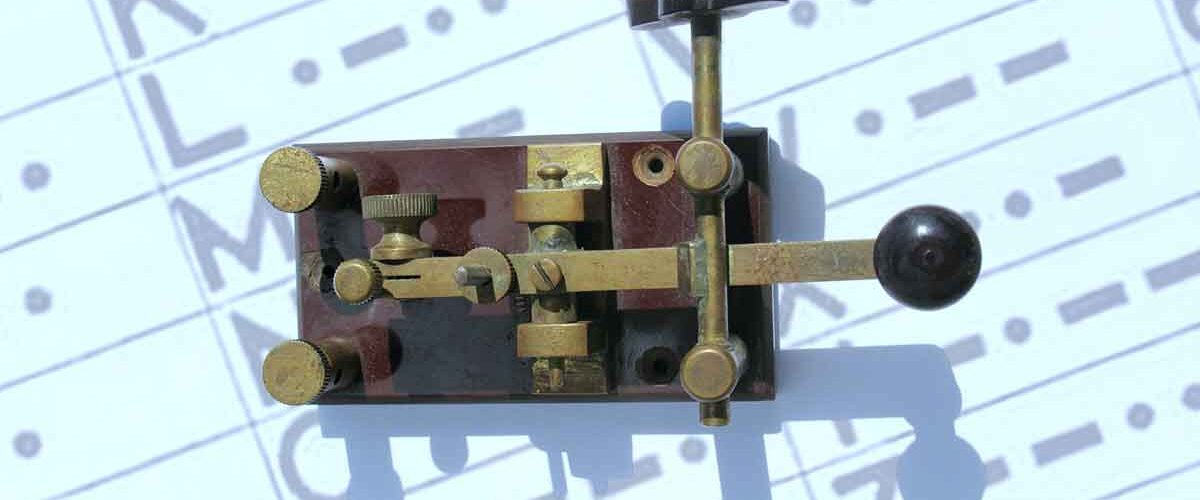
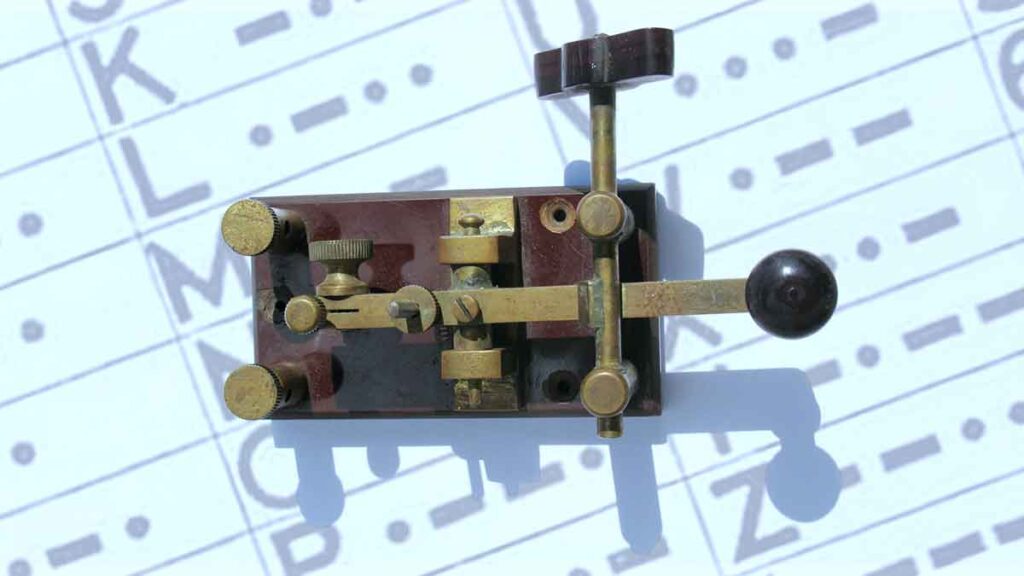
Using the „=“ separator symbol (DAH DIT DIT DIT DAH)
CW Musicality and Rhythm: The Break Sign (= / BT) and Proper Spacing
When operating CW (Morse code), every operator’s goal should be to transmit clean, musical, and well-rhythmed code. Listening to your signal should feel as smooth as listening to music—never like solving a complex puzzle or deciphering random characters.
The Equal Sign (=) or „Break Sign“ (BT)
The = sign (commonly designated in CW as the prosign BT) is sent as a single merged character without internal spacing: - . . . - (dah-di-di-di-dah). In amateur radio practice, it serves two main purposes:
- Pause Filler: Used to hold the frequency for a few seconds while contemplating your next thought—functioning as the CW equivalent of saying „uhm…“ or „mmm…“. It lets the receiving station know you haven’t finished your turn.
- Section Separator: Used to separate distinct blocks of information (e.g., name, QTH, report).
Modern Usage Trends
In the past, operators relied heavily on BT between almost every phrase. Today, overusing it is viewed as a waste of time, as clean spacing makes the message equally legible without excessive separators:
Overused BT Style:
W1ZZZ DE G4YYY = GM = TU FER CL = NAME CHRIS QTH SOUTHAMPTON = RST 599 = HW CPY? W1ZZZ DE G4YYY KN
Modern Streamlined Style:
W1ZZZ DE G4YYY GM TU FER CL NAME CHRIS QTH SOUTHAMPTON RST 599 HW CPY? W1ZZZ DE G4YYY KN
Mastering CW Word Recognition and Spacing
Experienced CW operators **do not listen for individual letters**—they recognize complete words by their unique acoustic melody. Just as in spoken conversation where we process whole words rather than individual letters, Morse code proficiency develops through word recognition.
However, copying full words relies heavily on the sending station maintaining correct character and word spacing:
- Prioritize Word Spacing: Transmitting characters at a higher speed with slightly wider spaces between words (Farnsworth spacing) dramatically improves legibility for the receiving station.
- Keyer Weighting Adjustments: Fine-tune the dot-to-space ratio on your electronic keyer. CW generally sounds most pleasing when the dot length is set slightly longer than the space interval.