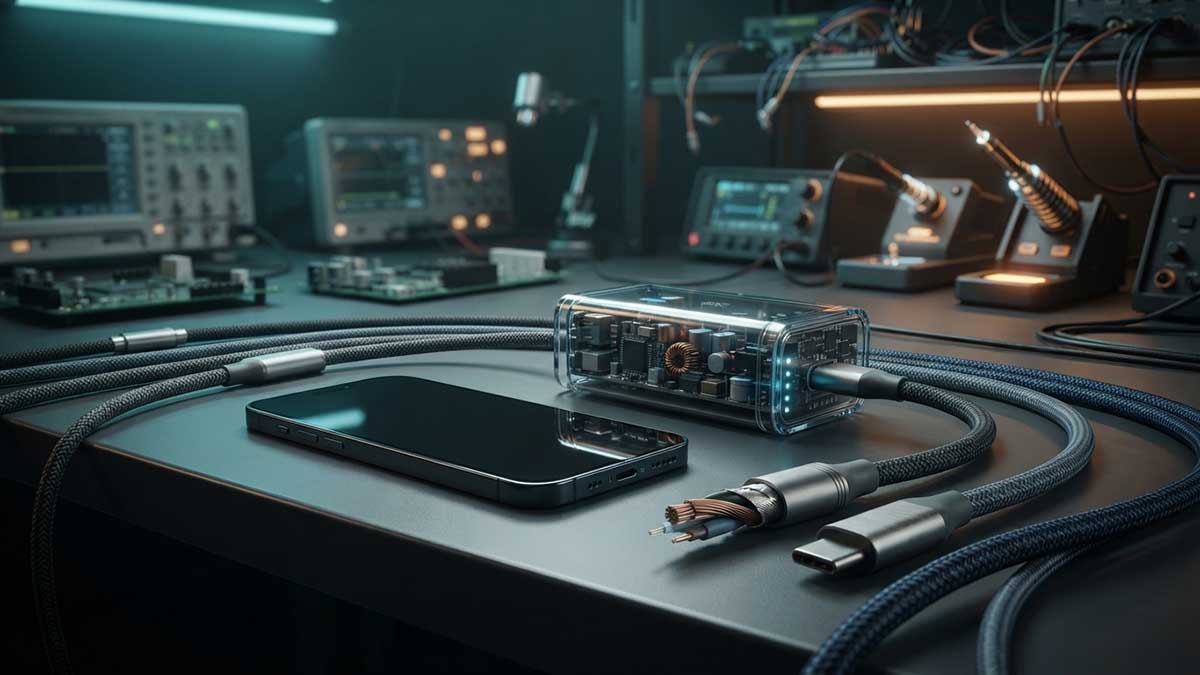
The Truth About Batteries and Charging: Myths, Facts, and the Jungle of Cables, Chargers, and Protocols
Our charging habits for modern electronics often rely on outdated advice from 20 years ago. Today’s lithium-ion (Li-Ion) and lithium-polymer (Li-Po) batteries operate by completely different rules, and changes in USB standards and fast-charging protocols have further confused consumers.
💡 In Short: Here is everything you need to know about batteries, chargers, and cables – all on one screen.
⚠️ 1. Myths vs. Reality
- Myth 1: „Overnight charging will ‘overcharge’ or damage the battery.“Reality: Every modern smartphone has a built-in BMS controller that completely cuts off current when reaching 100%. The damage from overnight charging isn’t „overcharging“, but the fact that the battery spends hours at high charge and slightly elevated temperatures.
- Myth 2: „We must drain the phone to 0% and charge it to 100%.“Reality: This applied to old nickel-based batteries. With lithium batteries, deep discharge causes high chemical stress and can permanently damage the cell.
- Myth 3: „Force-closing background apps saves battery.“Reality: It actually consumes more energy. Both Android and iOS „freeze“ apps in RAM. When you close and reopen them, the CPU uses extra power to reload them.
- Myth 4: „A wet phone can be saved by putting it in a bowl of rice.“Reality: Rice dust and starch mix with water to form a sticky paste. The right action is immediate power-off, drying, and placing it in a well-ventilated area. Using hairdryers or fans is discouraged.
- Myth 5: „Dark Mode always saves battery life.“Reality: It saves power only on OLED / AMOLED displays where black pixels are completely off. On LCD screens, the backlight stays on constantly.
🧪 2. Key Science-Backed Facts
- Optimal chemical range: Keeping the charge state between 20% and 80% extends battery lifespan by 2 to 3 times.
- Temperature is enemy #1: Heat (above 35°C) is the primary driver of chemical degradation.
- Cold charging dangers: Charging below 0°C can cause lithium plating and short circuits. Putting phones in the fridge to restore batteries is a myth.
- Wireless charging: Generates significantly more heat, slightly accelerating wear compared to wired charging.
- Natural aging: When storing unused devices long-term, the optimal charge level is around 50%.
🔌 3. The Cable and Protocol Jungle
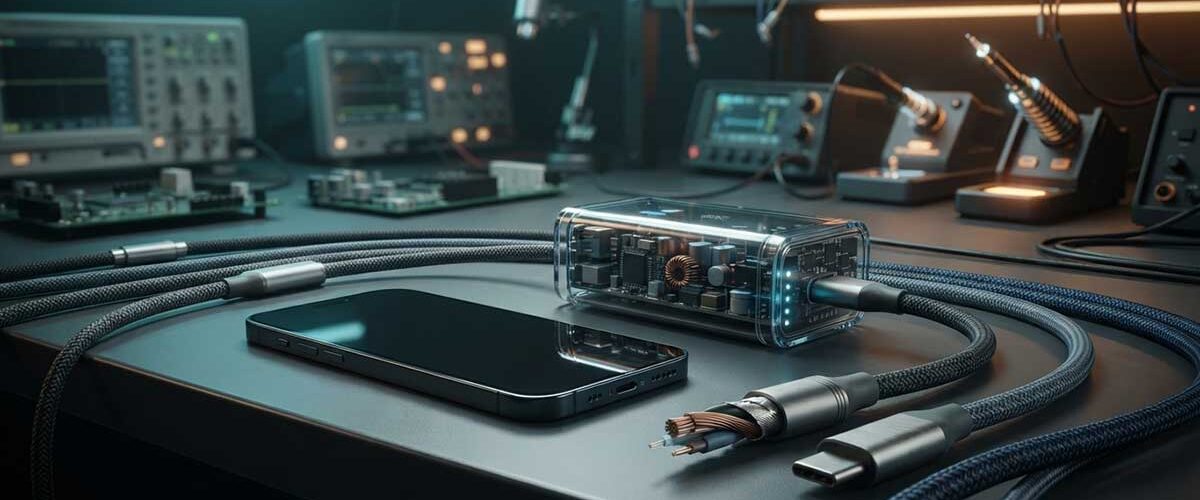
The plug shape (USB-C) is just a physical connector — what’s inside the cable determines how it charges.
| Cable Type | Internal Wiring | Best Used For: | CANNOT Do: |
|---|---|---|---|
| Charge-Only | Only 2 wires (VBUS and GND). Lacks data lines. | Slow charging of simple devices and power banks. | No data transfer or fast charging protocols (QC/PD). |
| USB 2.0 (Data & Charge) | Power + data wires (4 wires total). | Standard charging and file transfers up to 480 Mbps. | Does not support >60W power or high-speed video output. |
| E-Marker Cables (100W+) | Built-in microchip in the plug negotiating high power. | Laptops, high-power tablets, and fast USB-PD charging. | Some budget gadgets remain „invisible“ to them. |
| Proprietary (VOOC/Warp) | Custom chips and thicker gauge wiring for high current. | Ultra-fast charging for Xiaomi, OPPO, OnePlus, etc. | Fallback to slow 5V charging on standard power bricks. |
⚡ 4. The Paradox: Why Smart Chargers Refuse to Charge Some Devices
If a smartwatch, wireless earbuds, or flashlight WON’T charge with a USB-C laptop charger and C-to-C cable:
- The Reason: Smart USB-PD chargers don’t output power until they receive a signal via CC pins. Cheap devices omit two inexpensive resistors, making the charger „think“ nothing is connected.
- The Fix: Use a standard USB-A charger with a USB-A to USB-C cable. Legacy USB-A ports continuously supply 5V unconditionally.
✅ 5. Everyday Checklist
- Keep charge levels between 20% and 80%.
- Avoid heavy gaming or navigation while charging.
- Protect devices from overheating (no direct sunlight or under pillows).
- Use only reputable brand chargers and cables with safety protections.
- Keep at least one legacy USB-A charger at home for small gadgets.
- For long-term storage, leave devices charged at around 50%.