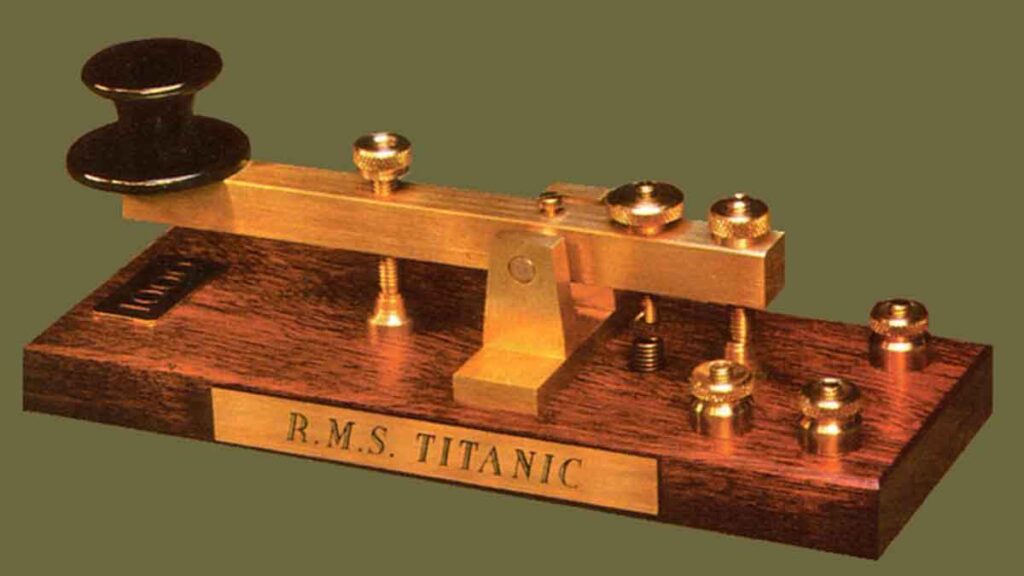
Low speed CW operation
Slow CW Frequencies (QRS) and Preventing Key Clicks
For beginner radio amateurs or those taking their first steps in Morse code (CW), high-speed operating can feel overwhelming. Fortunately, designated activity segments across the ham bands cater specifically to slower-speed CW operations.
Where Can You Find Slow CW Stations (QRS)?
In amateur radio Q-code, QRS means „Send more slowly“, while QRQ means „Send faster“. If you wish to conduct relaxed QSOs at a comfortable speed, tune into these recognized international QRS activity frequencies:
| Band | QRS Frequency Segment |
|---|---|
| 80 m | 3,550 – 3,570 kHz |
| 20 m | 14,055 – 14,060 kHz |
| 15 m | 21,055 – 21,060 kHz |
| 10 m | 28,055 – 28,060 kHz |
Signal Quality: Are You Transmitting Key Clicks?
In CW operating, formatting and content are only half the battle—the technical quality of your transmitted signal is equally vital.
The primary signal quality defect in CW operation is Key Clicks. Key clicks occur when the transmitted RF keying envelope is overly rectangular, featuring excessively sharp rise and fall times without adequate envelope shaping. This creates wide keying sidebands that spill over onto adjacent frequencies and interfere with neighboring stations.
Primary Causes of Key Clicks:
- Improper Wave Shaping: Poorly shaped keying envelopes originating from the keyer/transceiver circuit containing rich harmonic content (near-ideal square waves).
- Overdriving & ALC Misconfiguration: Applying excessive drive power to an external linear amplifier combined with improper ALC response (slow ALC attack time). It is always best practice to adjust drive power manually rather than relying strictly on ALC action.
- RF T/R Relay Timing (Full Break-in / QSK): Incorrect sequencing during RF relay switching during full break-in operation.
How to Detect and Fix Key Clicks
A nearby experienced operator can monitor your signal off-frequency to check for key clicks. However, the most accurate diagnostic method is inspecting your transmitted envelope using an oscilloscope or a high-resolution SDR waterfall display.
Note that even some modern commercial transceivers exhibit noticeable key clicks out of the box and may require firmware adjustments or hardware modifications.
If you discover key clicks on your signal or receive reports about them, address the issue promptly. Maintaining a clean, click-free CW signal is a matter of operating ethics and courtesy to fellow operators on the bands!