FT2 – The New Digital Revolution: Faster than FT4, more dynamic than FT8
FT2 – The New Speed Champion in Amateur Radio – A Practical Guide
The World of Amateur Radio Communications is changing at lightning speed, and if you thought FT8/FT4 was the pinnacle of efficiency, get ready for something new. Starting in early 2026, a new player has hit the airwaves – FT2. This experimental mode promises to make our connections faster than ever, shortening the transmission cycle to an incredible 3.75 seconds.
In this article, we’ll look at what exactly FT2 is, how to set it up, and why time accuracy is no longer just a recommendation, but a critical requirement.
What is FT2?
FT2 is an ultra-fast digital mode integrated into the latest version of WSJT-X Improved (3.1.0) by Uwe, DG2YCB. It should be noted that the name FT2 originally appeared in the Italian project Decodium, but the version in WSJT-X Improved is completely open source and optimized for mass use.
(author’s note. Please note that Decodium’s FT2 and WSJT-X Improved’s FT2 are currently not compatible. Don’t be too happy if you see that JTDX-improved starts decoding FT2 – there is no transmission support, nor are the frequencies set – for the author of JTDX-improved FT2 it is not yet a priority)
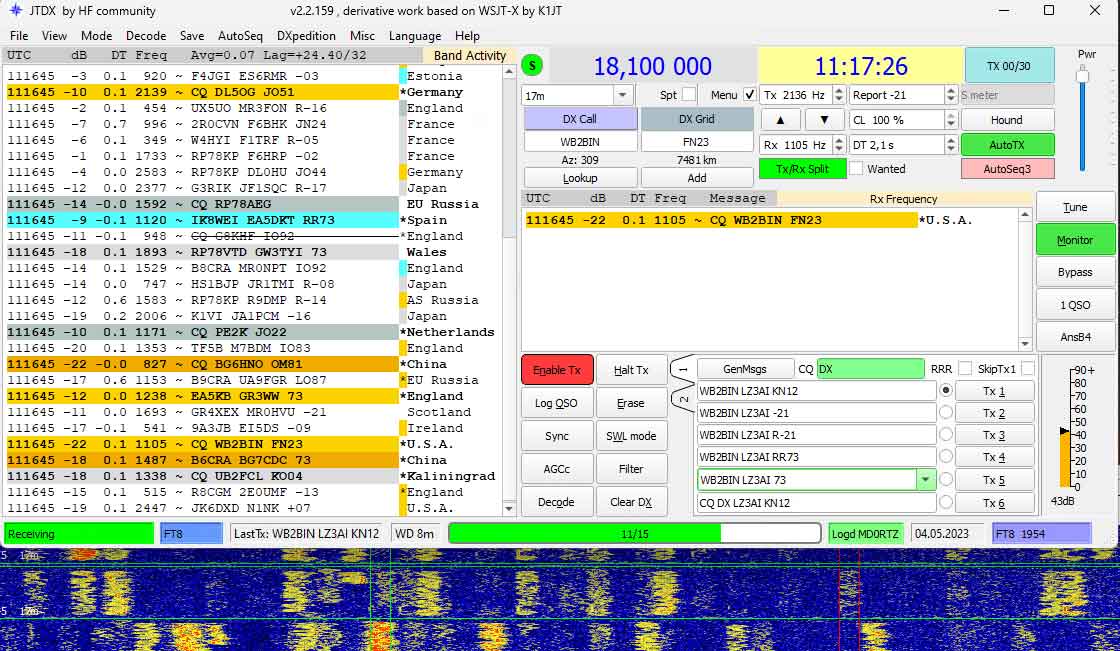
FT2 is also integrated in the MSHV version (2.76.5) version by Christo, LZ2HV.
Main features
- Cycle (T/R period): 3.75 seconds (Compared to 15 sec on FT8 and 7.5 sec on FT4).
- QSO Duration: A full contact can be completed in less than 15-20 seconds.
- Sensitivity: About -12 dB to -14 dB (ideal for contests and strong DX signals).
- Bandwidth: About 120-150 Hz.
What’s the situation with JTDX Improved?
Although the author of JTDX Improved (also based on Igor’s work, UA3DJY) keeps up with the latest news, he is a bit more conservative than Uwe (DG2YCB) regarding experimental modes.
Here’s what you need to know:
- Decoding Only: JTDX Improved (in its latest test versions) can detect and display FT2 signals on the waterfall if they are within range of its decoder. This is possible thanks to shared libraries between the two „Improved“ versions.
- Transmit (TX): As of March 2026, JTDX still does not have an official „FT2“ button in the main mode selection menu. JTDX is focused on maximum FT8 sensitivity, while WSJT-X Improved is the „innovation platform“ where new things like FT2 are tested.
Where to find FT2? (preferred frequencies as of early 2026)
Since the mode is new, it does not yet have official IARU segments, but the international community has already adopted the following frequencies (for all USB, DATA-U):
| Range | Frequency (MHz) | Note |
| 160m | 1.846 MHz | At the end of the digital segment |
| 80m | 3.581 MHz | Well above FT8 (3.573) and FT4 (3.575) |
| 60 | 5.360 MHz | Be careful with the 60m regulations! |
| 40m | 7.052 MHz | Traditional place for experiments |
| 30m | 10.144 MHz | Just over FT4 (10.140) |
| 20m | 14.084 MHz | (Highest activity – just above FT4 (14.080) |
| 17m | 18.108 MHz | Just over FT4 (18.104) |
| 15m | 21.144 MHz | Just over FT4 (21.140) |
| 12m | 24.923 MHz | Just over FT4 (24.919) |
| 10m | 28.184 MHz | The second most active frequency – above FT4 (28.180) |
| 6m | 50.320 MHz | Experimental for Es (sporadic layer) |
Note: You don’t need to manually enter these frequencies in WSJT Improved – go to the settings from /File/Settings/Frequencies and somewhere in the field where the frequencies are listed, right-click and select Reset. Most of the frequencies for FT2 will appear (the current version of WSJT Improved is missing only the frequency for 160 m).
How to find out if and where there is activity?
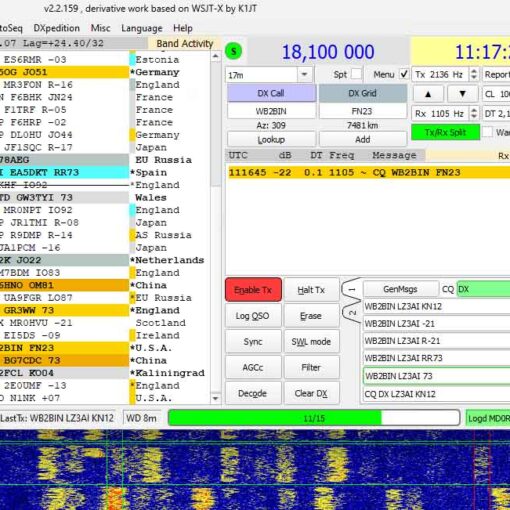
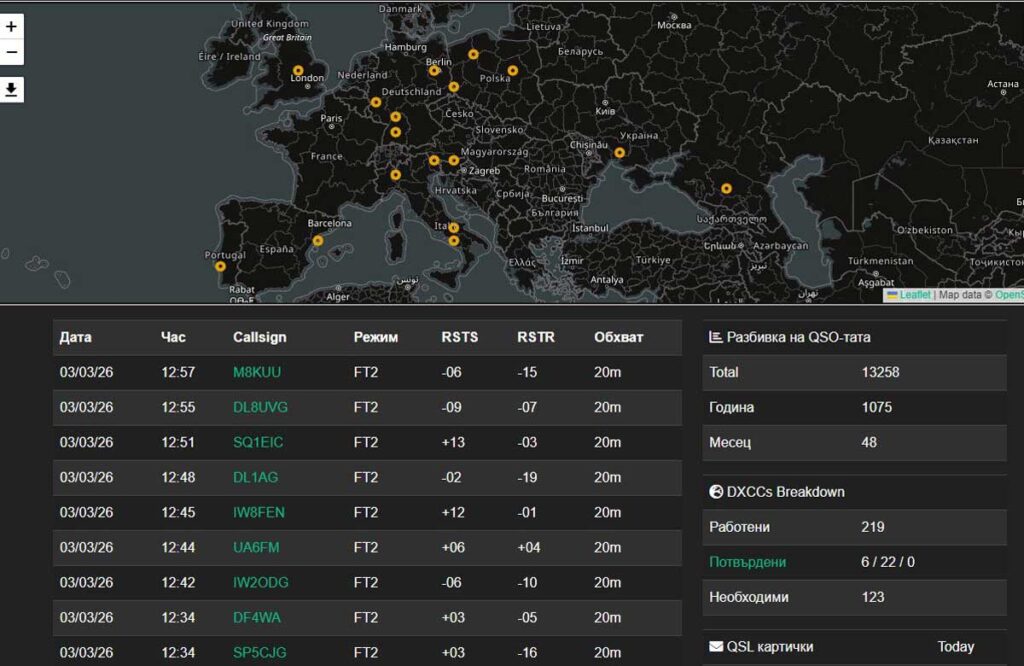
Although the mode is quite new, PSK Reporter filters it correctly under the name FT2. Set Using: FT2 and you will find out where the coupon is now.
The critical point: Time synchronization
If with FT8 perhaps even a difference of 1 second (DT) is permissible, with FT2 this will make you „deaf“ to the air. Due to the extremely short cycle, your computer must be synchronized with an accuracy of ± 50 ms.
Recommendation: The standard Windows synchronization is not enough. Use software like Dimension 4 or NetTime, set to check every 10-15 minutes, or the professional solution Meinberg NTP. I use the free version of NetTime with a synchronization period of 15 minutes (for a shorter period, the full version is required). 15 minutes is a good interval, but if I notice that the DT (Time Difference) in WSJT-X starts to exceed 0.2 – 0.3, I may have to look for an alternative, as much as I don’t want to push something I’m used to.
Alternatives to NetTime: Dimension 4 or Meinberg NTP
If you decide to experiment, many digital mode operators use:
- Dimension 4: Completely free, allows synchronization every few minutes and is very lightweight.
- Meinberg NTP: This is the „heavy artillery“. It turns your Windows into a true NTP client that maintains the time accurate to milliseconds in real time, without „jumping“ at intervals.
Important: If you use NetTime or one of the alternatives, do not forget to completely disable Windows synchronization to avoid conflicts and inaccuracies in synchronization.
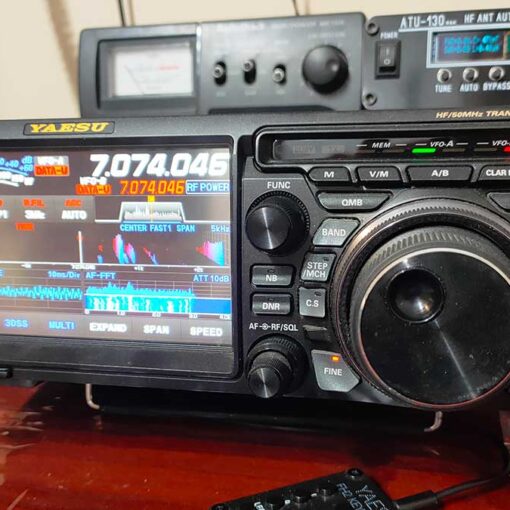
Practical Tips for Operating the Yaesu FTDX10 and Other Modern Radios
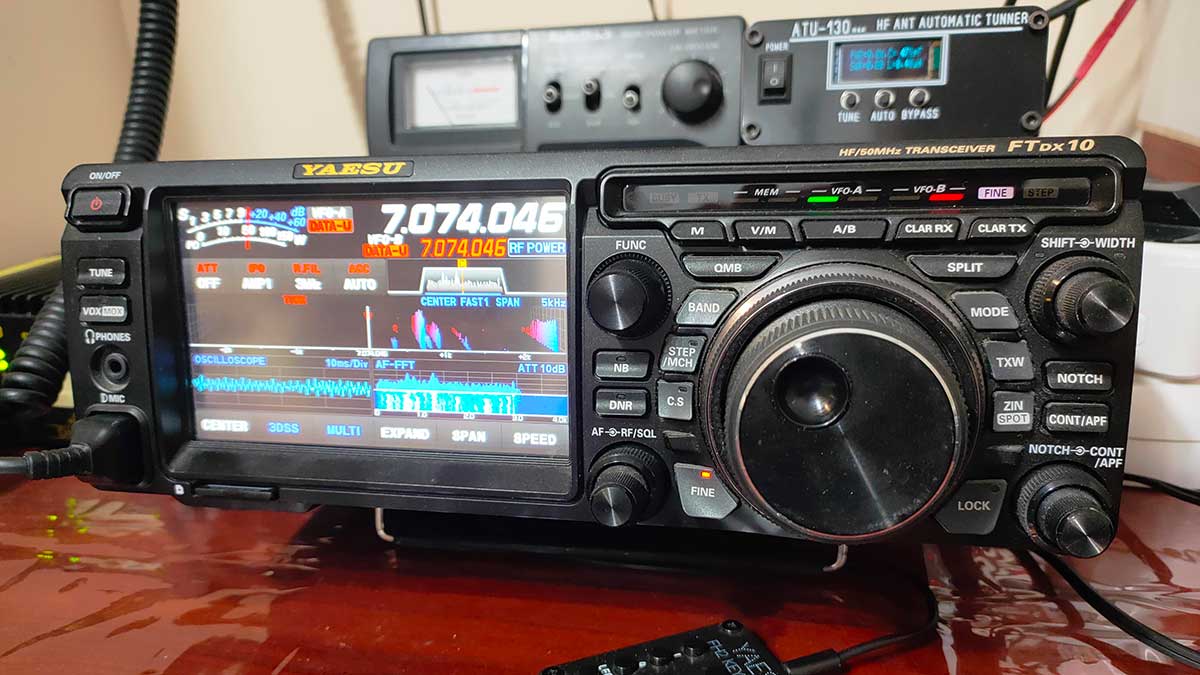
- ALC and Levels: Since switching between receive and transmit is extremely fast, make sure your ALC levels are set to zero. Rapid transitions can generate interference if the audio levels are turned up too high. Adjust the levels so that the ALC needle does not move, so as not to „slap“ on neighboring stations in this fast mode.
- Split Mode: Be sure to use „Fake It“ or „Rig“ in the WSJT-X Improved settings (from the Radio settings) to maintain signal purity.
- Filter Width: FT2 is wider than FT8 (about 120 Hz vs. 50 Hz). Make sure your radio’s filter in DIGI mode is at least 2400 Hz or 3000-3050 Hz to see the entire waterfall without „clipping“ at the edges.
- Temperature mode: Your radio will work much harder. Intervals are shorter, but so are breaks. Watch for cooling during longer sessions.
Logbook and Acknowledgements (QSL)
Currently, QRZ.com reports FT2 connections as MFSK mode.
LoTW is still in the process of adding official support. At the moment, it will report your FT2 connections as errors due to the requirement for digital signing with TQSL.
If you use Wavelog, you shouldn’t have any problems.
Since FT2 is not yet officialized, QSL is unlikely to be needed for diplomas or competitions. But if you still want your confirmations to take effect immediately, then in software that does not support FT2, you can export your connections as MFSK or DATA. And hope that your correspondent announces them the same way. So, until the ADIF standard is officially updated – all fans of digital modes hope that this will happen soon.
Conclusion
FT2 is not here to replace FT8, but to give us speed when conditions allow it. This is the ideal mode for contests and „bursts“ of radio waves on 10 meters.
Download the latest version of WSJT-X Improved, set your watch and see you on 14.083 MHz!
73 de LZ3AI!